Alternative Text for Images (H2)

- If an image is providing information you MUST add descriptive alternative text (alt text). Example) A chart with data crucial to the course information should be explained.
- An eye catching image for visual interest can be marked as decorative.
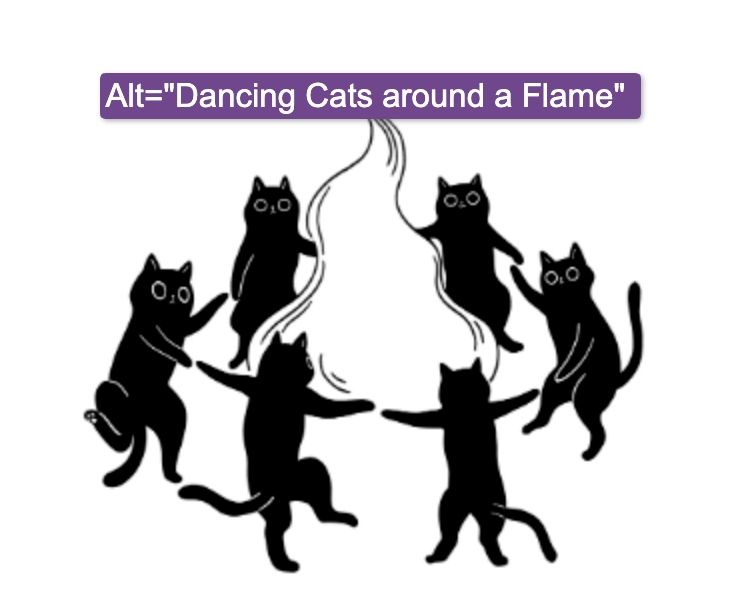
- Cats image is aligned right. Select image> top menu-Format> Align Right.
- Did you know you can drag and drop an image into the editor?
- A logo’s alt text should say “dancing cats company logo” a headshot of you as the professor can just read: “professor Jane Doe”or “professor Jane Doe at a regional conference for dancing cats”
- Save students AND yourself a headache by naming image files meaningfully. Especially screenshots.
- Free-Use Images: https://unsplash.com/
Headings, Links, and Tables (H2)
- Use a logical nested order (Heading 2, Heading 3) rather than using text styling for headings.Use bullets, headings, horizontal lines for layout
- Use color in text sparingly and be consistent. IF YOU ARE ALWAYS SHOUTING NO ONE WILL LISTEN.
- If many colors are used the meaning of the colors is lost and can reduce comprehension or
- just make things hard to read.
- Use bold (cmd/ctrl+B) and italic (cmd/ctrl+I) as needed for emphasis and asides, avoid underlines as those are used to indicate linked text.
- The keyboard shortcut> ctrl+option+1/2/3 will change a line to a heading.
- Hyperlinks: Write descriptive link text instead of generic phrases like “click here” or raw URLs. Example) Review this YouTube Video about dance moves for cats and discuss below.
- Cmd/ctrl+K is the keyboard shortcut to enter a link.
- Tables: Use tables strictly for data (not layout), and include a clear caption and header row. [1, 2, 3]
Cats and Their Dance Moves (H3)
| Cat Name | Favorite Dance Style | Signature Move |
|---|---|---|
| Poppy | Lazy | The Worm |
| Whiskers | Salsa | The Catnip Twist |
| Luna | Tap Dance | Paws & Patter |
| Oliver | Breakdancing | The Tail Spin |